 how-to
Is Augmented Reality Art Accurate? 7 Things to Check
Quick Summary
Augmented reality art is accurate when it matches how the piece will really look on your wall, covering placement, scale, and color. Previews can look convincing and still be off by enough to matter, so measure your space and test the preview yourself before buying.
- Measure the wall width and height with a tape measure before opening the preview.
- Place a sheet of paper, about 8.5 by 11 inches, in frame to check the artwork's scale.
- Repeat the scale test two or three paces back, since errors often appear at distance.
- If the preview and tape measure disagree by more than a small margin, trust the tape measure.
- Judge composition and general tone in the preview, not exact color shade.
Table of Contents
- What Accuracy Means in Augmented Reality Art
- How Augmented Reality Art Previews Work
- AR Art Size and Scale: Does the Preview Match Your Wall?
- Art Preview Color Accuracy: What Your Screen Can and Cannot Show
- Factors That Cause Inaccurate AR Rendering
- Augmented Reality Art Preview vs. Virtual Reality: Which Shows More?
- Buying Art Online With Augmented Reality: A Practical Checklist
- Frequently Asked Questions
What Accuracy Means in Augmented Reality Art
Accuracy in AR art means the digital preview lines up with how the piece will actually look on your wall. That covers placement, scale, and color. A preview can look convincing and still be off by enough to matter.
Most shoppers care about one question: will this work in my space? Keep that question at the center as you read.
How Augmented Reality Art Previews Work
AR previews use your phone's camera to place a digital image of an artwork over your real surroundings. For a practical walkthrough of previewing art in your home before buying, see visualize art in your home before buying. The app reads the wall, tracks your movement, and keeps the image in place as you walk around.
Think of it as a rough sketch rather than a perfect copy. Lighting, camera quality, and wall texture all shape what you see on screen.
AR Art Size and Scale: Does the Preview Match Your Wall?
Scale is the most common place AR previews go wrong, and it is also the easiest to test. The preview can be off for three reasons: the app misjudges distance to the wall, the artwork's listed dimensions are entered incorrectly, or the phone's tracking drifts as you move.
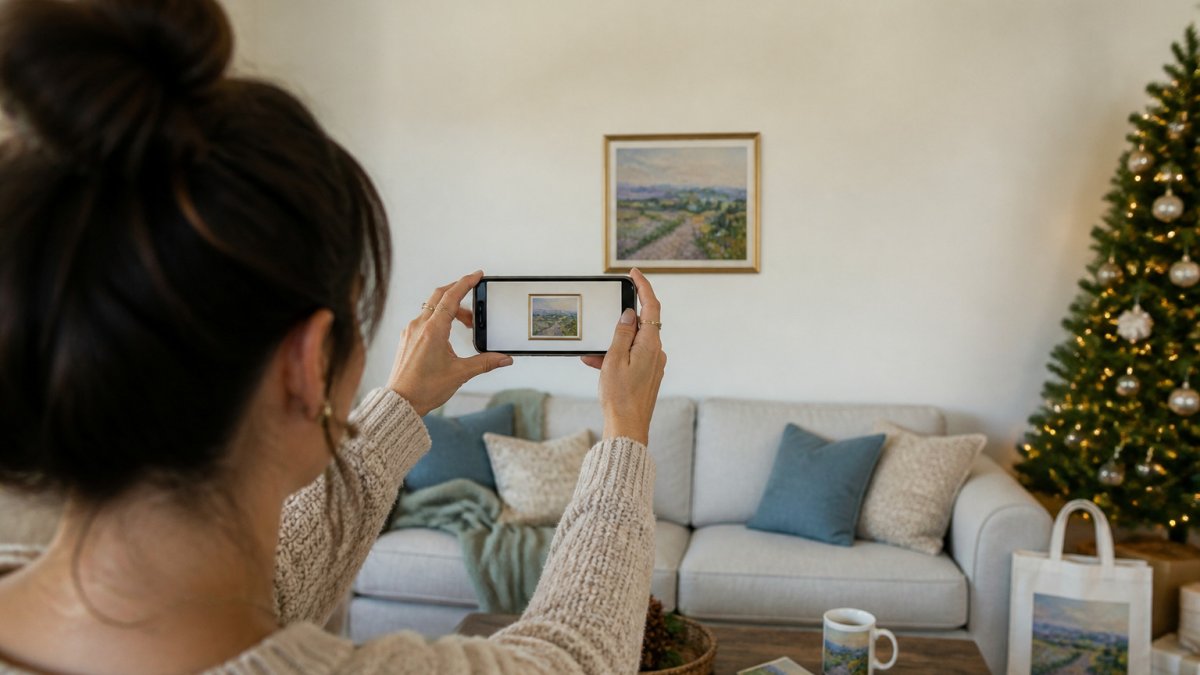
A repeatable scale test. You can check scale without special tools:
- Measure the real wall space with a tape measure and write down the width and height.
- Place a known object in the frame, such as a sheet of paper (about 8.5 by 11 inches) or a tape measure held against the wall.
- Open the AR preview and place the artwork at the same spot.
- Compare the on-screen artwork to the known object. If the artwork looks larger or smaller than its listed size relative to the paper, the preview is off.
- Step back two or three paces and repeat. Scale errors often show up at distance.
Why scale drifts. Phone AR estimates distance from camera motion and depth cues. In a large room with few features, the estimate can be off by several centimeters. Moving the phone quickly or pointing at a blank wall makes it worse. A common pattern is that the preview looks correct up close and then grows or shrinks as you walk backward.
Device differences. Phones with depth sensors tend to hold scale better in low light and on plain walls. Tablets with larger screens make it easier to judge proportion, but they are heavier and harder to hold steady. If you preview on one device and buy on another, expect small differences.
Practical benchmarks. You do not need lab equipment. Watch for overlay drift (the artwork sliding after placement), positional error (the artwork sitting a few centimeters off from where you placed it), and tracking loss (the app losing the wall entirely). If the artwork stays within a few centimeters of your tape measure at two distances, the preview is good enough for a buying decision.
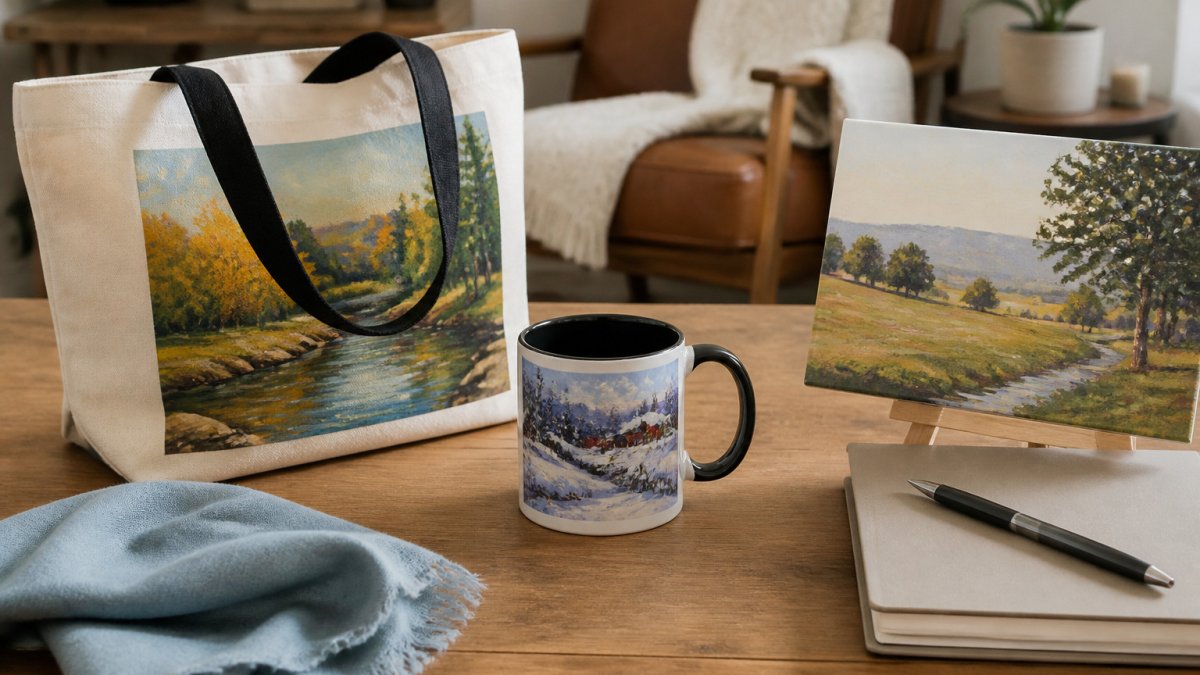
When you are shopping for holiday gifts, this same check works for fine art prints on totes and mugs: preview the design at the item's real size, then confirm the listed dimensions before you order.
Use this quick reference to check scale before you buy.
| Check | How to test | Warning sign |
|---|---|---|
| Measure the wall | Use a tape measure to note width and height | No measurement taken before previewing |
| Known object | Place an 8.5 by 11 inch sheet of paper in frame | Artwork looks larger or smaller than listed size |
| Step back | Repeat the test two or three paces away | Scale changes as you walk backward |
| Overlay drift | Watch the artwork after placement | Artwork slides a few centimeters |
| Tolerance | Compare against the tape measure at two distances | Error exceeds a few centimeters |
Art Preview Color Accuracy: What Your Screen Can and Cannot Show
Screens show color differently from one device to the next. For practical advice on matching art colors to your room, see matching art colors to your room. Brightness, warmth settings, and room lighting all change how a print looks. Use the preview to judge composition and general tone, not exact shade.
If color matters most to you, check the room in daylight and again under lamps. For guidance on warm versus cool art for your lighting and walls, see warm versus cool art for gray rooms.
Factors That Cause Inaccurate AR Rendering
An AR preview can look convincing and still be wrong. The causes usually fall into four buckets: the camera, the tracking system, the environment, and the software. Knowing which bucket is failing tells you what to fix.
Camera and sensor limits. Phone cameras vary widely in resolution, low-light performance, and autofocus speed. A older camera in dim light produces noisy frames, and noisy frames make it harder for the app to find edges and corners. Depth sensors (LiDAR on some phones and tablets) help with scale and occlusion, but they are not universal. If your device lacks a depth sensor, the app leans more on software tracking, which is more sensitive to motion and texture.
Tracking method and drift. Most phone AR uses visual-inertial odometry: the camera tracks feature points while the gyroscope and accelerometer fill in between frames. Over time, small errors accumulate as drift. Fast panning, low light, and featureless walls all increase drift. A common pattern is that the overlay looks locked at first and then slides a few centimeters after 20-30 seconds of movement.
Environment and surfaces. Glossy, dark, or uniform walls give the tracker little to grab onto. Direct sunlight can blow out the camera's exposure, and reflective surfaces can confuse depth readings. Textured, matte, well-lit walls are the easiest for tracking. If you must preview on a glossy wall, angle the phone slightly and avoid pointing at mirrors or windows.
Software and calibration. Not all AR frameworks behave the same. ARKit on iOS and ARCore on Android use different tracking pipelines, and individual apps may add their own scaling or color handling. A app that has not been updated for your operating system version may misread room scale. Calibration matters too: if the app asks you to scan the room, do it slowly and cover the floor and walls.
Color and display factors. Screen brightness, night mode, and color profiles change how a print looks on your phone. A warm room lamp will make a cool print look warmer than it is. Treat the preview as a composition and scale check, not a color proof.
For gift shopping on a budget, these same factors matter when you preview a fine art print on a tote or mug: check the size against the item, preview in daylight, and rely on the product photos for color.
Augmented Reality Art Preview vs. Virtual Reality: Which Shows More?
AR places art in your real room through your phone. Virtual reality builds a fully digital space, which is useful for exploring a gallery but does not show how a piece fits your own walls. For buying decisions at home, AR is the more practical tool.
Buying Art Online With Augmented Reality: A Practical Checklist
Before you buy, run through this list:
- Measure the wall space and note the real dimensions
- Preview in good daylight and under your usual lamps
- Check the artwork's listed size against your measurements
- Compare the preview color with the product photos
- Read the return policy before you order
For gift shopping, our fine art prints on totes, mugs, and other everyday items offer a way to share a favorite image. Browse the collection at Lux Landscape Art to find a gift that suits your giftee's style.
Frequently Asked Questions
How accurate are augmented reality art previews?
AR previews are useful for judging placement, rough scale and overall style, but they are not exact. Accuracy depends on how well the app detects your wall and floor, how the phone's camera is calibrated, and whether the lighting in your room resembles the lighting in the preview. Expect the piece to sit in roughly the right spot and at roughly the right proportion relative to furniture. Treat the preview as a planning tool rather than a precise measurement, and confirm dimensions against the listed size before you buy.
Can augmented reality show the true size of a painting on my wall?
AR can show a painting at approximately the correct size on your wall, which helps when you are comparing it with a sofa, a window or a shelf. However, the result is only as precise as the device's depth sensing and the app's scale reference. Small differences in wall distance or camera angle can change the apparent size. Use the preview to gauge proportion, then compare the listed dimensions with a tape measure marked out on the wall for a more reliable check.
Does AR display artwork colors accurately?
Colors in AR previews are rendered by your phone screen, which varies in brightness, contrast and color profile from device to device. Room lighting also shifts how colors appear, so a warm lamp or a north-facing window can make a painting look different from the photograph. AR gives a good sense of tone and mood, but it cannot guarantee an exact color match. If color is critical to your decision, view the artwork under the lighting you plan to use and compare it with the product images provided.
Is augmented reality useful when buying art online?
Yes, for many buyers it removes guesswork about placement and proportion. Seeing a piece on your own wall helps you judge whether its scale and style suit the room, which is especially helpful for gifts you want to get right without spending heavily. The tool works best as one part of your decision alongside accurate dimensions, clear photographs and any return information the seller provides. Pricing and delivery details should be confirmed directly on the Lux Landscape Art website.
Start your holiday shopping early with Lux Landscape Art, where thoughtful, artist-created prints make memorable gifts. Sign up to get exclusive promotions and find a unique piece for everyone on your list.